Need to cancel a student’s meal plan or flex points plan and issue a refund? This guide will show you how to cancel the plan directly from the student’s profile, select a refund type, and, if necessary, apply a cancellation fee.
Note: The images in this guide refer to meal plans, but the steps are the same for flex points plans.
Locate and select the student from the Profile section of the admin portal.

Click Meal Plans from the navigation bar or scroll down to view the student's meal plan history.

Click the x icon to open meal plan cancellation options.

Meal plan cancellations offer various ways to fit your specific process.

- Choose Refund Type: Choose one of the following options:
- Refund a Flat Amount: Refund a set amount. Enter the amount manually.
- Refund for Proration Period: Refund based on active dates of meal plan use.
- (Optional) Apply Cancellation Fee: Select a charge code with an associated fee amount. Charge codes are set by your institution's administrators.
- (Optional) Record Refund Details: Document any relevant refund information.
After setting your refund type and applying any optional cancellation fees or refund details, click Execute to process the cancellation.

The meal plan will now appear with a Cancelled status on the resident profile.

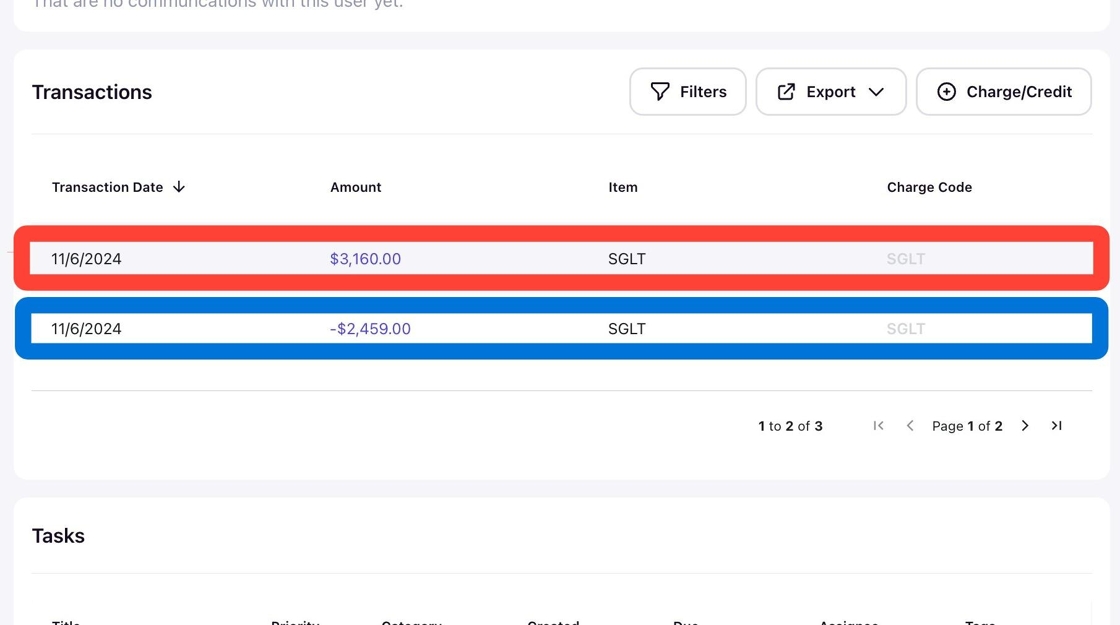
Transactions, like refunds or cancellation fees, will automatically post to the resident's profile.