The Usage page displays your account's consumption of billable features—specifically SMS/MMS messaging and Anchor e-signature packets. This page shows when charges occurred and the cost for each service, helping you track variable costs across billing periods.
You'll find the Usage page under Setup in the admin navigation.
View usage on the calendar
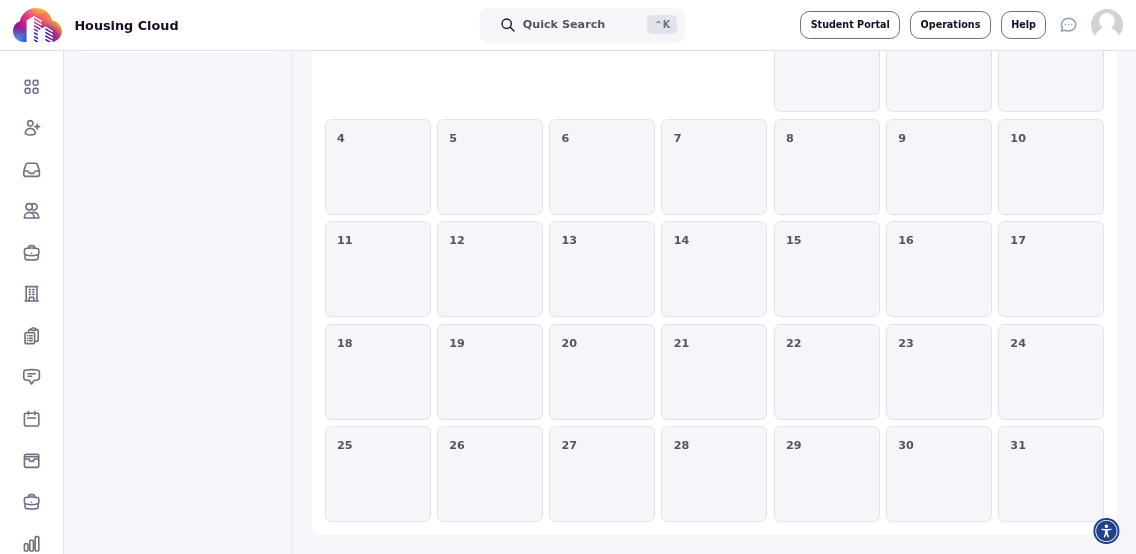
Usage charges appear as entries on the calendar. Each entry shows the date a charge was incurred and the amount for that service. The calendar defaults to the current month.
The usage page displays the calendar along with filtering controls at the top:
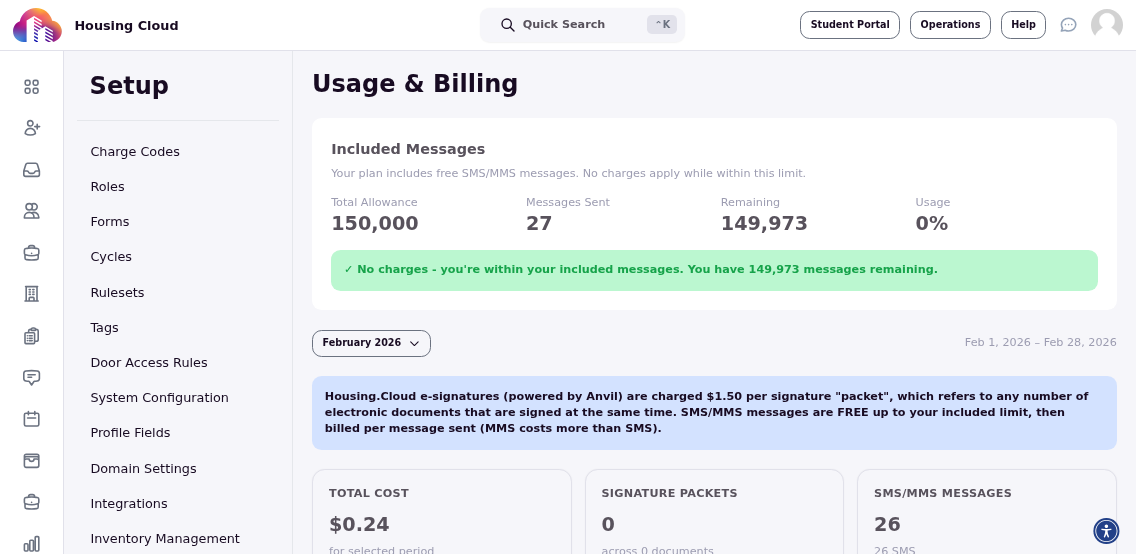
The calendar grid shows individual usage charges on the dates they occurred:
Navigate across months
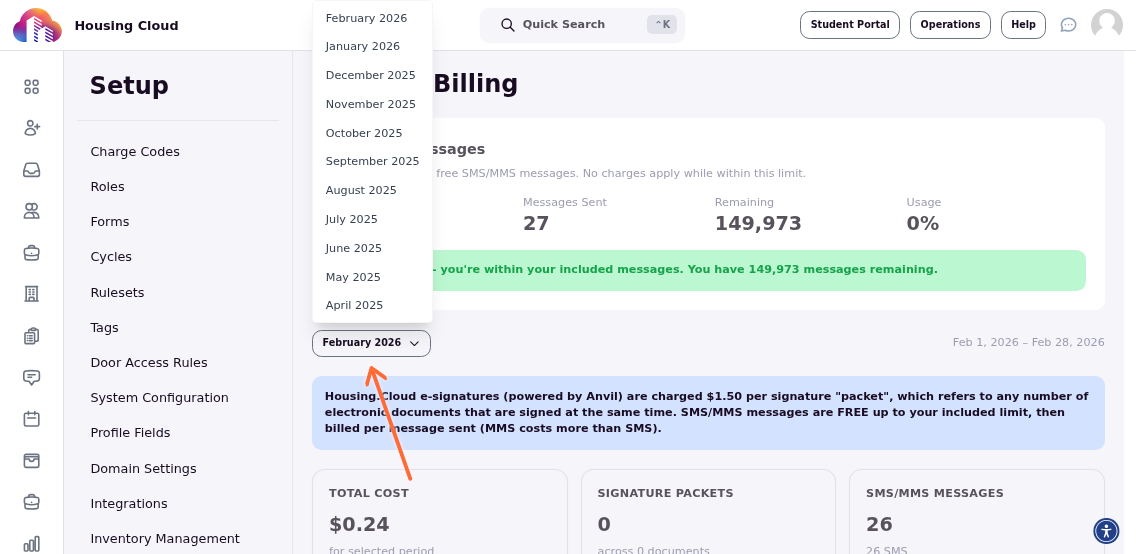
To view usage from previous or future billing periods, use the month/year dropdown at the top of the calendar. Select any month to see historical usage data or upcoming scheduled charges.
Click the month and year selector to choose a different time period:
Filter by usage type
Two toggle switches control which charges display on the calendar: Signature Packets (for Anchor e-signature usage) and SMS/MMS (for text messaging). Enable one, both, or neither to focus on specific cost categories. When both are disabled, the calendar shows no charges; when both are enabled, all usage appears.
Use the toggles to show or hide specific usage types:
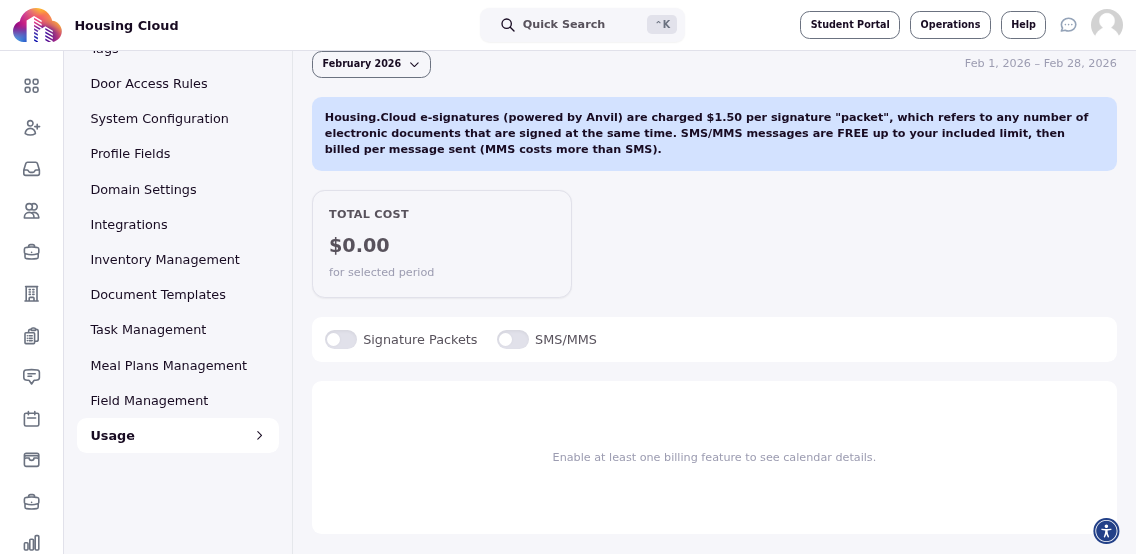
Use the toggles to isolate specific cost drivers when reviewing billing statements or forecasting monthly expenses.